
Pencil Drawing Art
-
4.7
- 無料 価格
- 写真 カテゴリ
- CodeSeed Labs 開発者
-
名前Pencil Drawing Art
-
価格無料
-
カテゴリ写真
-
評価4.7
-
開発者CodeSeed Labs
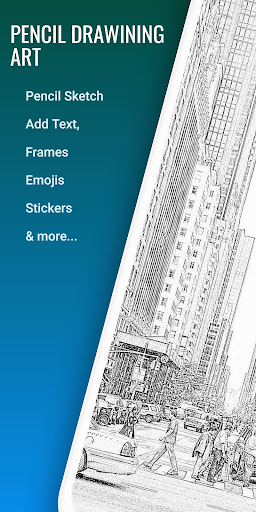
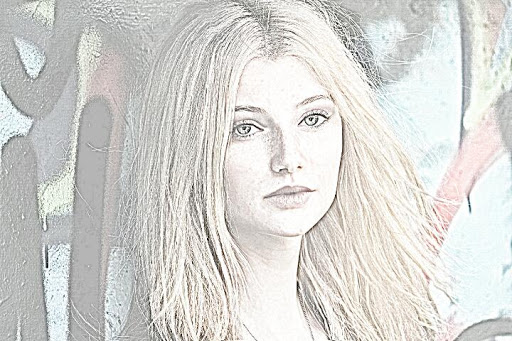
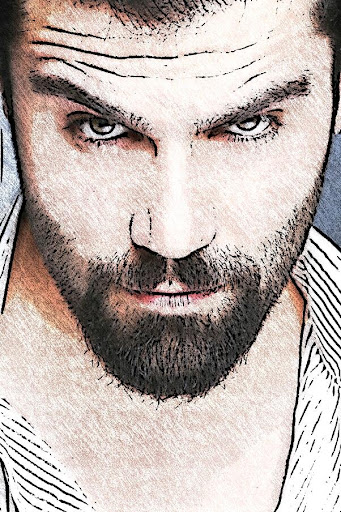
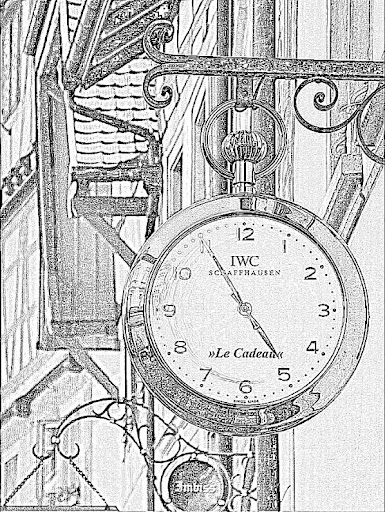
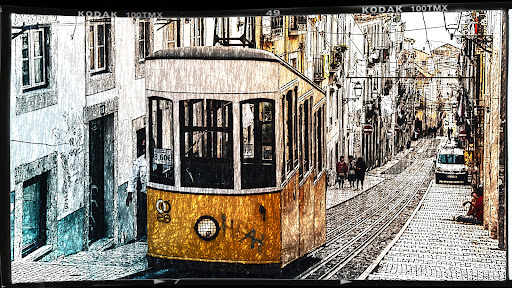
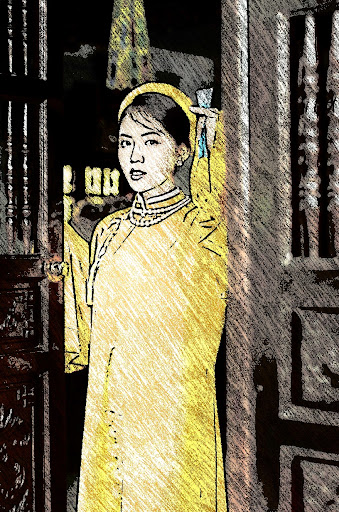
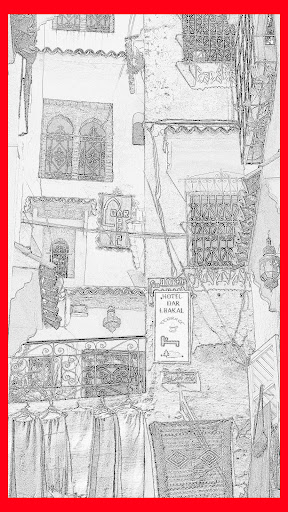
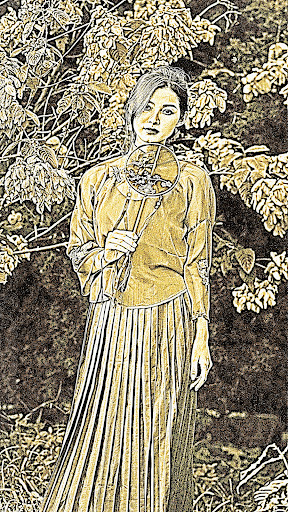
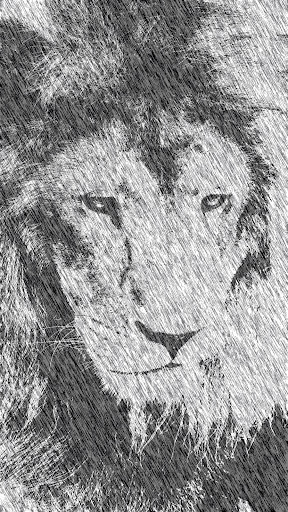
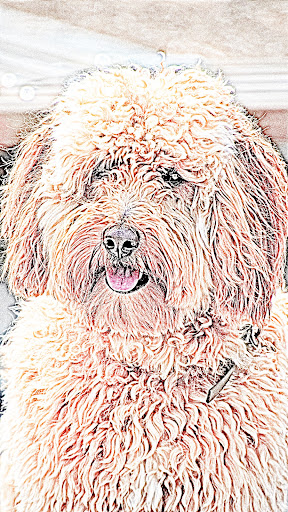
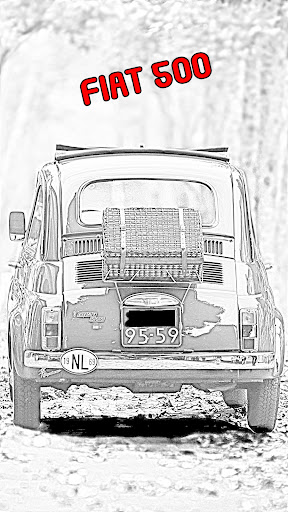
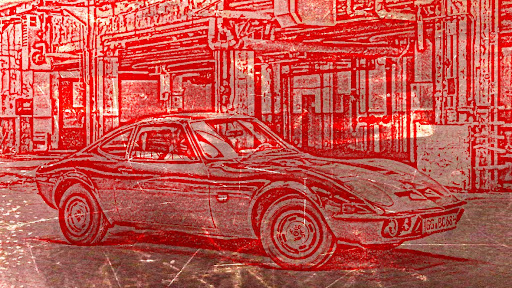
Pencil Drawing Art for Android features incredible pencil sketch photo editing effects and enhancements for your images. Transform any images into an impressive pencil sketch photo that looks it was drawn by hand. Pick the image from your gallery or use the build-in camera feature to take a new picture and use it to apply the filters.
Pencil Drawing Art Features Include:
* Image Selection: You can select an image to edit from the photo gallery, phone camera or pick a video and select a frame at a given position.
* Crop and rotate your images: before applying the filters, you have the possibility to crop the image to any height and width. Choose from the predefined aspect ratios or use the free one to move the handles to any position.
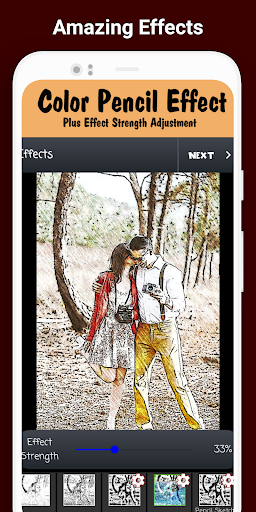
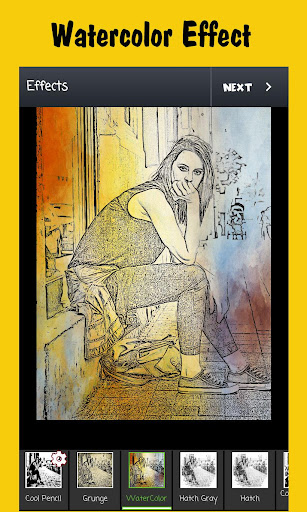
* Image Effects: Apply cool sketch photo effects that includes: sketch, soft, dark pencil, detailed, color pencil, overlay black, red and blue, comic, comic sketch and a lot more.
New to Pencil Drawing Art: Grunge effect and WaterColor filter. Also now some effects have the possibility to adjust its strenght value.
* Drawings: Draw over the image by selecting the draw option. Choose the pencil, metal or fuzzy options and select the color/width you want for the line. For more details, click the "Draw/Zoom" button to switch between draw mode and pan/zoom mode.
* Enhance photo: Use this option to apply enhancements filters to the image. You can use it in conjunction with the effects or alone. Some filters include: Brightness, Contrast, Saturation and Temperature control, plus color fix, sharpen, sepia, light and vignette.
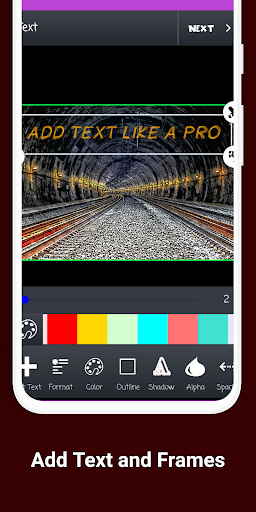
* Frames: Over 30+ photo frames to add.
* Stickers: Great collection of stickers. "Save the Date" sticker, or tons of hair styles, ties, shoes and many more.
* Emojis: Select the emoji option to open the amazing gallery of over w50 free emoticons to choose from. Add as many emojis as you want. You can move, resize and rotate them.
* Text on Image: Add text over the selected images. Pick the text size, font and color.
* Tags: Similar to text, you can add tags over the image. This tag is a text, centered in a rectangle shape.
After editing the image, the last step is saving or sharing it. Locate the save or share buttons in the action bar and tap them. Saving it will create a special folder for "Pencil Drawing Art" edited images. If you decide to share it, available options include: Facebook, Whatsapp, Instagram, Email, MMS and many more.
この質問は一番聞かれる質問です。そして、公式のGoogle Playストア以外からアプリをダウンロードする場合、この手続きはもっと複雑になるかもしれません。そのために、私たちは本サイトからダウンロードしたアプリのインストール方法について詳しくまとめました。このチュートリアルには詳細な操作方法はもちろん、役立つ写真も付きます。使い方は簡単で詳細なので、初心者でもすぐ操作できます。
本サイトからダウンロードされたアプリの安全性について心配するお方はたくさんいます。そして、私たちは本サイトからダウンロードされたアプリの安全性を保証できます。本サイトから提供するすべてのアプリはあなたのスマホのハードウェアやプライバシーに害を及ぼす可能性が一切ありません。ぜひ安心してください。
もちろんです。本サイトから提供するすべてのアプリは、100%無料でダウンロードできます。さらに、わざわざアカウントを作成する必要はありません。ダウンロードボタンをクリックするだけで完了です。
最近、さまざまな理由でログインできませんというメールをたくさん届きました。このような質問を答える前に、どのアカウントを参照しているかを知る必要があります。例えば、FacebookアカウントやYoutubeアカウントなど、アプリのアカウントについて話している場合、実にお手伝いことはできません。対応のカスタマーサービスに助けを求めるほうがおすすめです。
この質問は基本的に前の質問と非常に似ています。サードパーティアプリのサブスクリプションをキャンセルする場合は、カスタマーサービスにお問い合わせください。
この質問もサードパーティアプリのサブスクリプションをキャンセルする場合は、カスタマーサービスにお問い合わせください。私たちに助けを求めても、彼らに連絡する方法を提供する以外の方法もありません。 本サイトから退金を希望する場合には、我々のサービスが100%無料であることを再度指摘する必要があります。


