
McAfee® Security for Metro®
-
4.2
- 無料 価格
- 仕事効率化 カテゴリ
- McAfee LLC 開発者
-
名前McAfee® Security for Metro®
-
価格無料
-
カテゴリ仕事効率化
-
評価4.2
-
開発者McAfee LLC
This app is exclusively for Metro by T-Mobile customers.
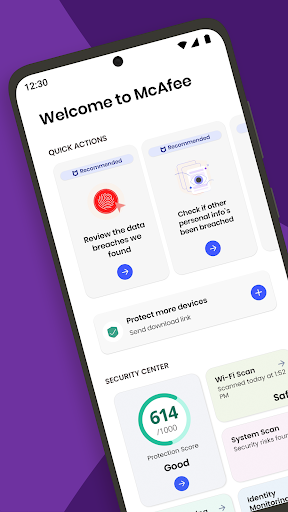
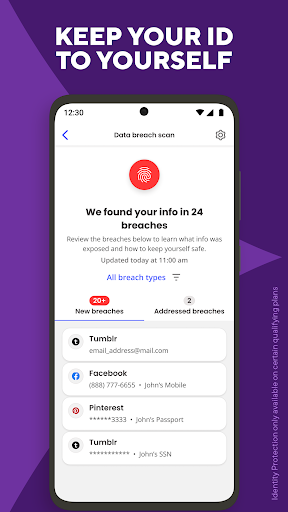
McAfee® Security for Metro® protects and enhances your Android phone or tablet’s performance with award winning Anti-Theft, Device Finder, App Privacy protection, Antivirus protection, Anti-Spyware, Anti-Malware, Virus Cleaner and Removal, Safe Browsing, Wifi Security, Performance Optimization, Contacts Backup and many other mobile security app features.
Lost Your Device? Log in to https://metro.mcafeemobilesecurity.com/ with your registered email to track your lost device and access your backed-up info.
Questions? Contact us @ https://www.metrobyt-mobile.com/contact-us.html
FEATURES
ANTI-THEFT & MOBILE SECURITY
▪ Device Lock Security and Thief Cam: Locks your device and takes a snapshot of the person holding it. Can be triggered from https://metro.mcafeemobilesecurity.com/
▪ Anti-Spyware: Stops thieves from phishing and gaining access to your personal information
▪ Remotely Wipe Data: Wipe selected private data or revert to factory settings with our anti-theft features
▪ Locate, Track, and Alarm: Find your lost or stolen device @ https://metro.mcafeemobilesecurity.com/. Locate it on the map, sound a remote alarm, or get step by step help
▪ Anti-Theft Uninstall Protection: Keep a thief from uninstalling the McAfee® Security for Metro® app on your device
▪ Remotely manage your antivirus protection from the web portal @ https://metro.mcafeemobilesecurity.com/
Other features: Pair Your Android Wear; S.O.S., which saves your last device location before it runs out of battery
PRIVACY
▪ Guest Mode: Control which apps your kids can see on your device
▪ App Lock: Securely lock apps with sensitive content
▪ App Privacy Check: Know which apps may put your personal data privacy at risk
PERFORMANCE OPTIMIZATION
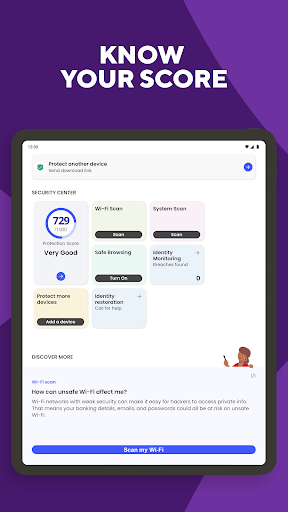
▪ Widget: Stay up to date on your antivirus security status and fix issues with one tap
▪ Battery Booster: Extended battery life
▪ Memory Booster: Free up memory (RAM) of background apps and speed up your device
▪ Storage Cleaner: Remove unwanted files and apps
▪ Track Data Usage: Set data limits and monitor usage
ANTIVIRUS SECURITY & WEB PROTECTION SCANNER
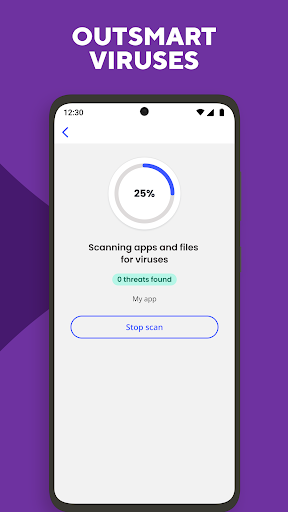
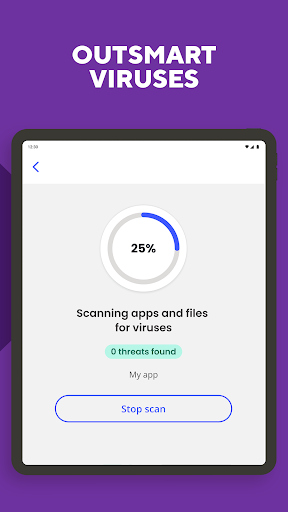
▪ Mobile antivirus security plus virus cleaner and removal: Scans and removes malicious code from files, apps and internet downloads using state-of-the-art antivirus software
▪ Anti-malware tool provides real-time detection of malware
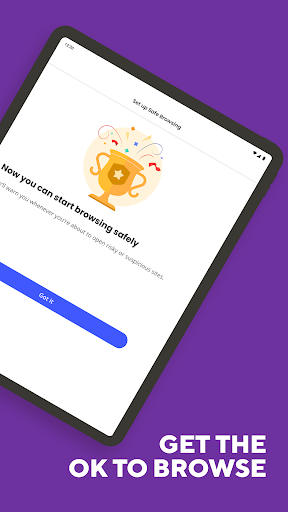
▪ Safe Web: Blocks access to risky websites
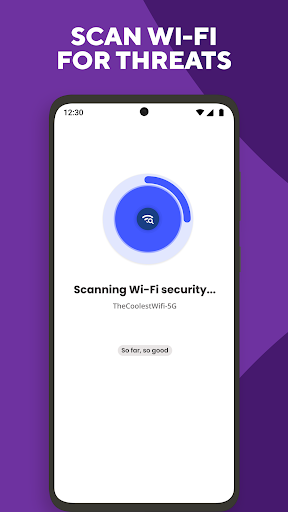
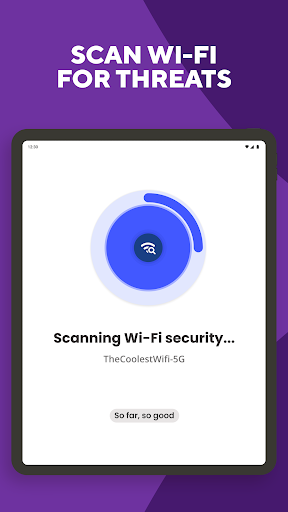
▪ Safe Wifi: Protects from ARP spoofing attacks and unsecured Wifi networks
NOTES
Android 5.1.1 and/or Android 6.0 users must grant accessibility for McAfee Mobile Security to enable Widget, App Lock, App Profile
This app uses Accessibility services
This app uses the Device Administrator permission
Activation of Device Administrator privileges provides the following benefits:
▪ Thieves can’t easily uninstall this app if your device is lost or stolen
▪ You can remotely reset your device to its factory settings to keep your personal stuff personal
▪ Thief Cam can take a photo of anyone who tries to unlock your Android lock screen with the wrong password, PIN, or pattern


この質問は一番聞かれる質問です。そして、公式のGoogle Playストア以外からアプリをダウンロードする場合、この手続きはもっと複雑になるかもしれません。そのために、私たちは本サイトからダウンロードしたアプリのインストール方法について詳しくまとめました。このチュートリアルには詳細な操作方法はもちろん、役立つ写真も付きます。使い方は簡単で詳細なので、初心者でもすぐ操作できます。
本サイトからダウンロードされたアプリの安全性について心配するお方はたくさんいます。そして、私たちは本サイトからダウンロードされたアプリの安全性を保証できます。本サイトから提供するすべてのアプリはあなたのスマホのハードウェアやプライバシーに害を及ぼす可能性が一切ありません。ぜひ安心してください。
もちろんです。本サイトから提供するすべてのアプリは、100%無料でダウンロードできます。さらに、わざわざアカウントを作成する必要はありません。ダウンロードボタンをクリックするだけで完了です。
最近、さまざまな理由でログインできませんというメールをたくさん届きました。このような質問を答える前に、どのアカウントを参照しているかを知る必要があります。例えば、FacebookアカウントやYoutubeアカウントなど、アプリのアカウントについて話している場合、実にお手伝いことはできません。対応のカスタマーサービスに助けを求めるほうがおすすめです。
この質問は基本的に前の質問と非常に似ています。サードパーティアプリのサブスクリプションをキャンセルする場合は、カスタマーサービスにお問い合わせください。
この質問もサードパーティアプリのサブスクリプションをキャンセルする場合は、カスタマーサービスにお問い合わせください。私たちに助けを求めても、彼らに連絡する方法を提供する以外の方法もありません。 本サイトから退金を希望する場合には、我々のサービスが100%無料であることを再度指摘する必要があります。


