
ZOOM Cloud Meetings
-
4.5
- 無料 価格
- ビジネス カテゴリ
- zoom.us 開発者
-
名前ZOOM Cloud Meetings
-
価格無料
-
カテゴリビジネス
-
評価4.5
-
開発者zoom.us
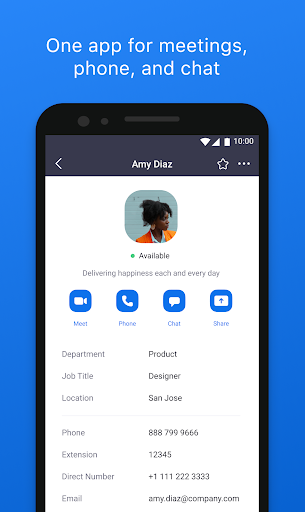
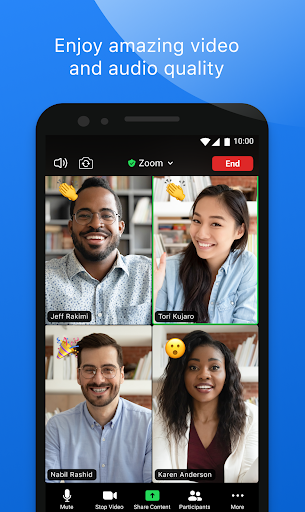
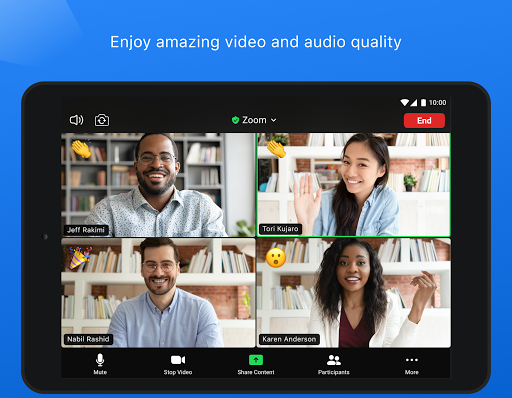
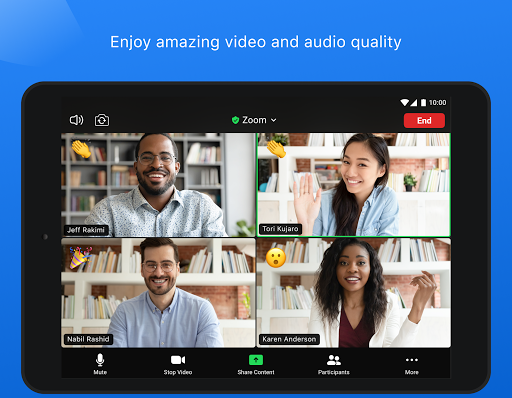
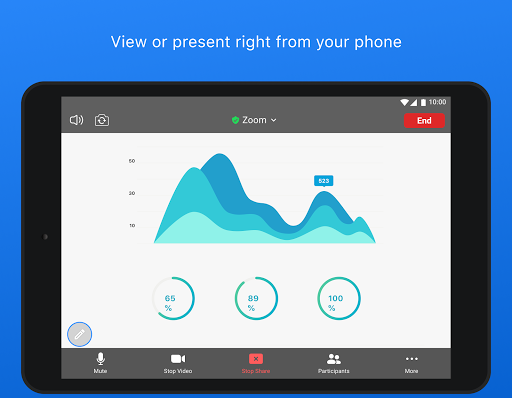
Zoom is a cloud video conferencing application offering quality video, audio, and screen-sharing features. It's designed by zoom.us for both small businesses and large corporations.
Zoom now is available for both Android and iOS users. It can include 25 participating video streams, 10 or more hosts and 200 viewers or listeners. It enables participants far-away to join meetings conveniently which will enhance team collaboration.
Good news for those whose laptops or computers don't allow them to download apps: From now on Zoom offers a browser plug-in which enables users to join a Zoom meeting without having to download its app. So far the extension is available for Chrome and Firefox.
Key Features
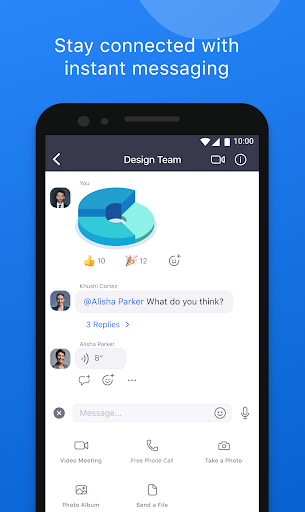
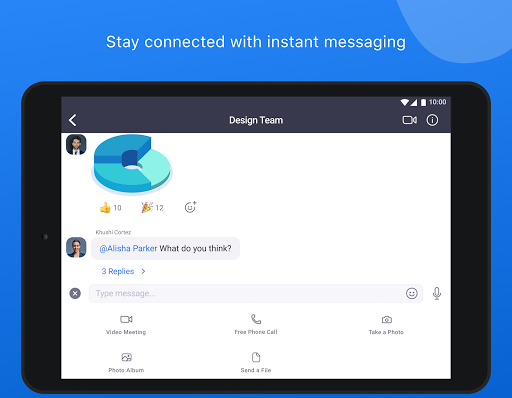
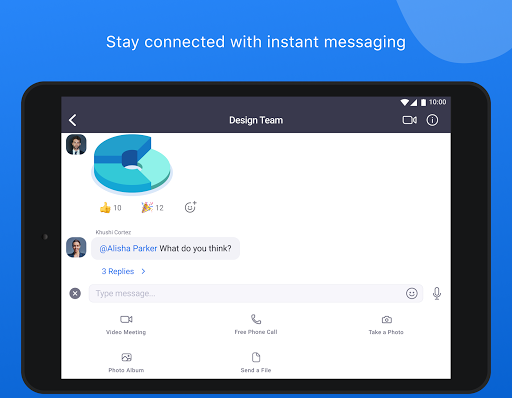
Send group text, images, and audio from your device
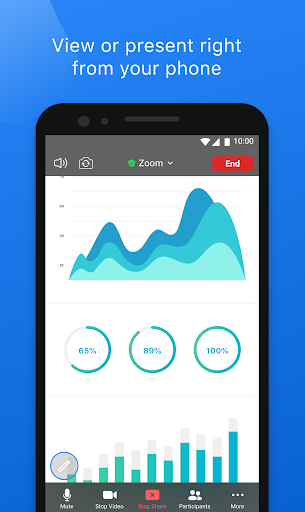
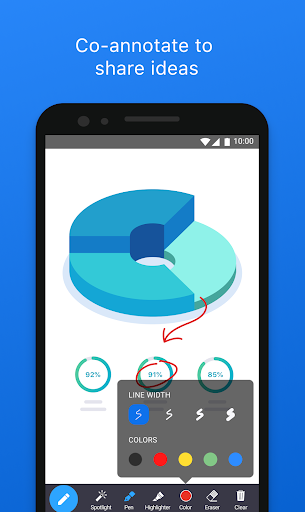
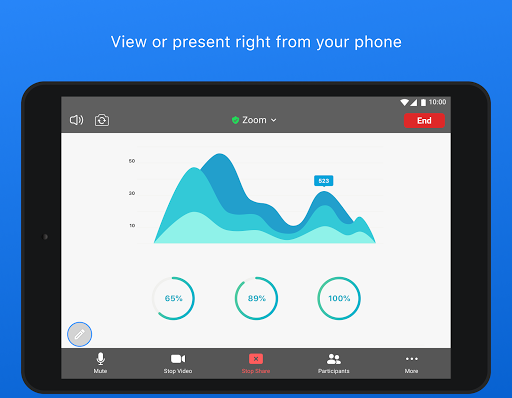
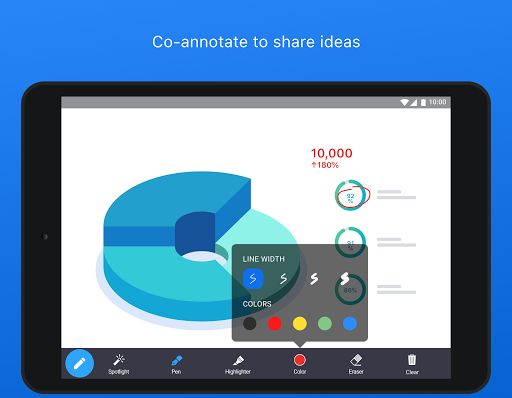
Screen share photos, web and Google Drive, Dropbox or Box files directly from your device
Give you control over how screen sharing can happen
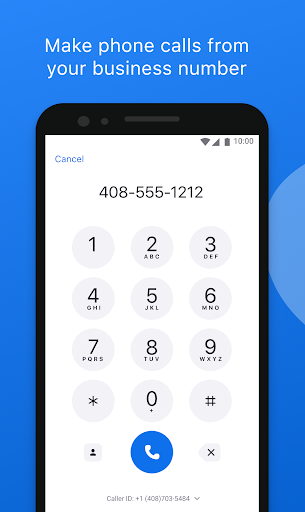
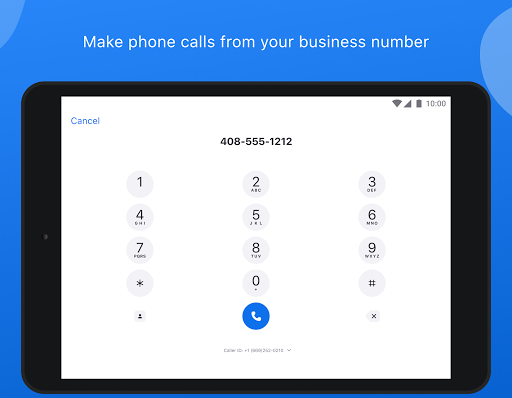
Easily invite phone, email or company contacts
Join meetings as interactive participant or view-only webinar attendee
Quickly start meetings by the given fixed link to your own meeting room
Add conference call details quickly through the Google Calendar plugin
Safe driving mode while on the road
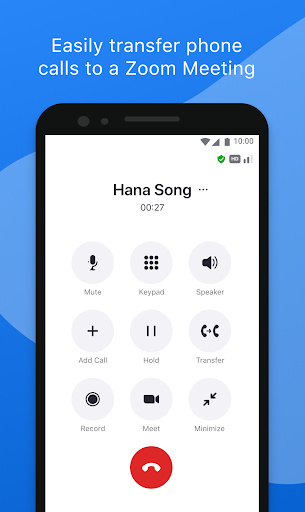
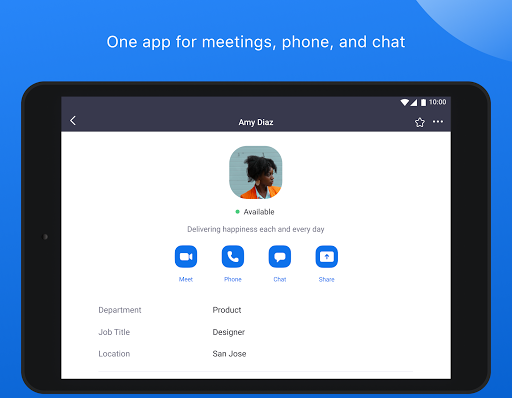
Connect with anyone on both mobile devices and desktops
Pros
Make large-group video calling easy
Supports lots of callers
Invite participants with a link
Cons
Sometimes unstable
Hard to know who drops the call
How to use Zoom?
To use Zoom, you have different alternatives: log in on their website, download the program for Mac or PC, or download the app for mobile devices.
After download and installation, you need to create an account if you don't have one. You can create one very quickly by linking your Google or Facebook account, or you can create a new using your E-mail address.
When all is set up, you will be asked to enter the Meeting ID or Personal Link Name that should have been given to you. Enter this, you are in connection with up to 100 people.
この質問は一番聞かれる質問です。そして、公式のGoogle Playストア以外からアプリをダウンロードする場合、この手続きはもっと複雑になるかもしれません。そのために、私たちは本サイトからダウンロードしたアプリのインストール方法について詳しくまとめました。このチュートリアルには詳細な操作方法はもちろん、役立つ写真も付きます。使い方は簡単で詳細なので、初心者でもすぐ操作できます。
本サイトからダウンロードされたアプリの安全性について心配するお方はたくさんいます。そして、私たちは本サイトからダウンロードされたアプリの安全性を保証できます。本サイトから提供するすべてのアプリはあなたのスマホのハードウェアやプライバシーに害を及ぼす可能性が一切ありません。ぜひ安心してください。
もちろんです。本サイトから提供するすべてのアプリは、100%無料でダウンロードできます。さらに、わざわざアカウントを作成する必要はありません。ダウンロードボタンをクリックするだけで完了です。
最近、さまざまな理由でログインできませんというメールをたくさん届きました。このような質問を答える前に、どのアカウントを参照しているかを知る必要があります。例えば、FacebookアカウントやYoutubeアカウントなど、アプリのアカウントについて話している場合、実にお手伝いことはできません。対応のカスタマーサービスに助けを求めるほうがおすすめです。
この質問は基本的に前の質問と非常に似ています。サードパーティアプリのサブスクリプションをキャンセルする場合は、カスタマーサービスにお問い合わせください。
この質問もサードパーティアプリのサブスクリプションをキャンセルする場合は、カスタマーサービスにお問い合わせください。私たちに助けを求めても、彼らに連絡する方法を提供する以外の方法もありません。 本サイトから退金を希望する場合には、我々のサービスが100%無料であることを再度指摘する必要があります。


